Getting started
Run your first scan
Start a scan, follow it as it runs, and learn which pages SiteRemora checks.
Start a scan
Open SiteRemora and go to Scan. Before your first scan, the page reads Audit your live storefront, page by page. Click Run Scan.
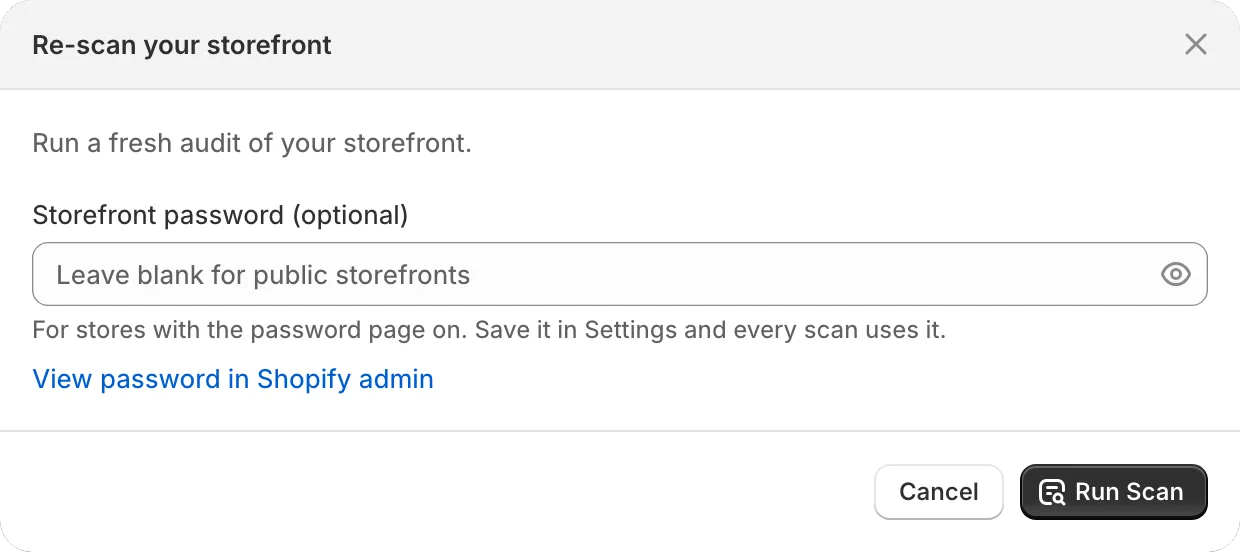
Once you have results, the same page shows them. Re-scan runs another.
What a scan does
- Finds your pages. SiteRemora reads your sitemap: the home page, products, collections, pages, blogs and articles. Only content published to your online store is included.
- Loads each page in a browser. Pages render the way a shopper sees them, markup from other apps included.
- Runs the checks. Each page is tested against WCAG 2.1 AA, plus some WCAG 2.2 checks such as target size.
- Traces every issue to its source. An issue in your theme links to its file and line. An issue in your content, such as a photo with no description, links to that content.
While the scan runs, the page shows its progress and the issues found so far. You can close SiteRemora; the scan continues and the results appear when it finishes. Cancel stops the scan.
Which pages get scanned
Each plan scans a set number of pages at a time: 150 on Shore, 3,000 on Reef and 5,000 on Deep Sea. A store under that size is scanned in full.
A bigger store starts with the home page, then a mix of every page type. On Shore, you can pick the pages yourself under Pages to scan. On Reef and Deep Sea, bigger stores are scanned in rotation, so every page gets its turn. See Bigger stores.
How often you can scan
| Plan | Scans you start |
|---|---|
| Shore | 3 in any 7 days |
| Reef | 3 in any 24 hours |
| Deep Sea | 12 in any 24 hours |
Automatic rescans on Reef and Deep Sea come on top of these. See Automatic rescans.
Scan settings
Settings, next to Re-scan, adjusts the next scan you run.
- Storefront password uses a password for this scan, ahead of any saved one.
- Scan draft theme renders the theme you're viewing, unpublished edits included. It's on by default. Turn it off to scan the live version.
- Fresh full scan renders every page from scratch. Turn it off to reuse results for pages that haven't changed, which is faster.
These settings reset when you reload the page.