Staying on top of it
Autopilot
Let Deep Sea apply rule-based fixes on its own after each automatic rescan, while AI-drafted fixes wait for you.
Fix modes
Pick a fix mode in Settings > Automation, then click Save Automation.
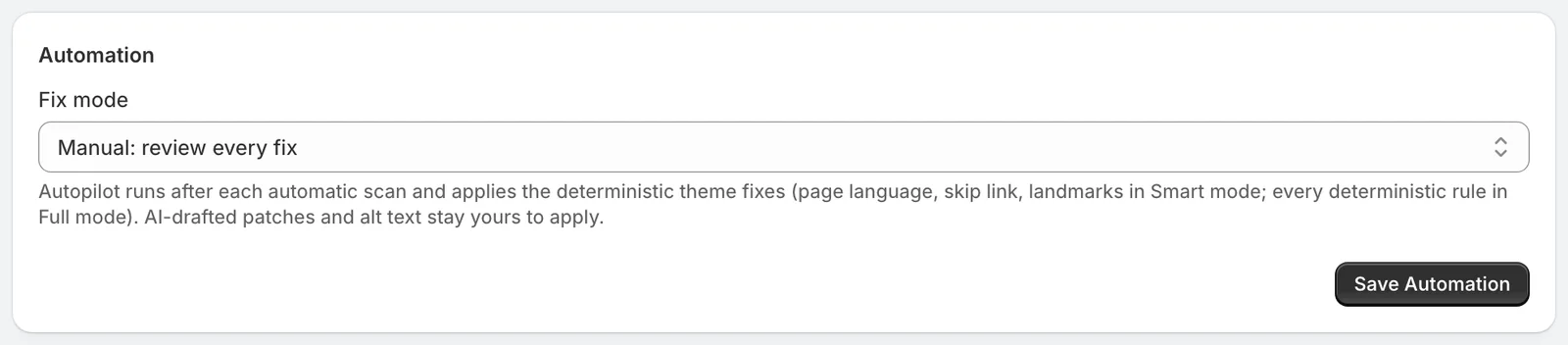
| Mode | What happens |
|---|---|
| Manual | Every fix waits for you. Every store starts here |
| Smart | Adds your page language and a skip to content link, where your theme needs them |
| Full | Does what Smart does, then corrects skipped heading levels |
Autopilot comes with Deep Sea. On Shore and Reef, the mode stays on Manual.
When autopilot runs
Autopilot runs after each automatic rescan, on your published theme. It reads each theme file, applies what your mode allows, and skips anything already fixed. Your store's first scan is left for you to review.
What always waits for you
Autopilot applies fixes that follow from fixed rules, like adding a language to your page. Everything else waits for your review, in any mode: labels for buttons, links and form fields, AI-drafted code fixes, alt text and color changes.
Every change is on the record
Autopilot's changes appear on the Fixes page like any other, before and after. The change report lists them as applied by Autopilot. Revert any of them with one click, and it stays reverted.
Your Sunday summary lists what autopilot fixed that week.