Fixing issues
Fix issues in your content
Repair problems that live in the text of your pages, and find the right admin screen for everything else.
Issues that live in your content
Some issues come from content in Shopify rather than from the theme, such as a list pasted into a page or an empty heading left by an editor. SiteRemora traces each one to its page.
Fix the text of a page
For broken lists and empty headings in your pages, the panel says This lives in the text of your page. It names the page and shows the change.
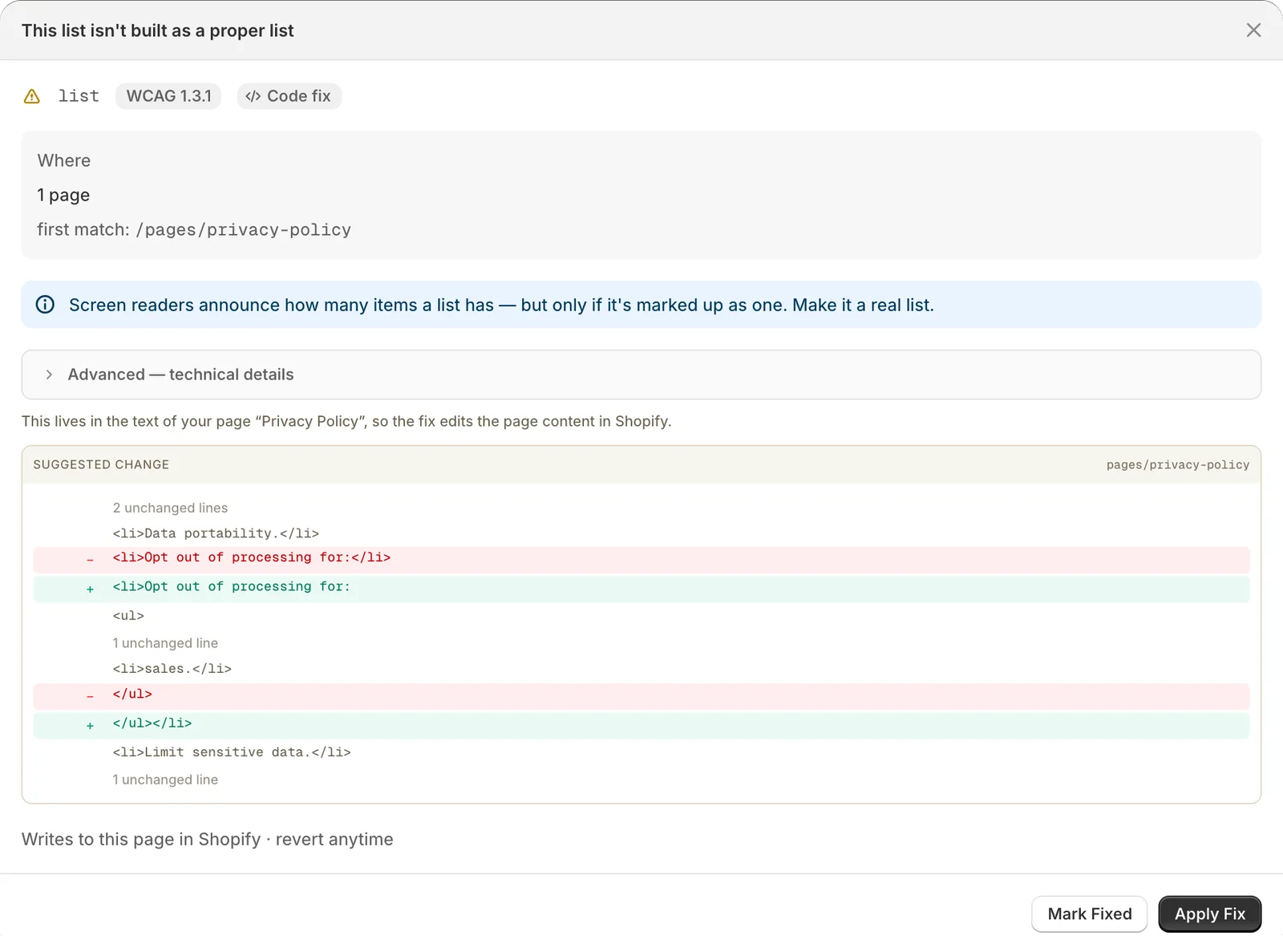
Click Apply Fix to write the corrected text to the page. The first time, Shopify asks you to let SiteRemora edit your online store pages. The page's earlier text is kept on the Fixes page, so you can revert.
Important
Reverting a page fix puts back the whole page text from before the fix. If you edit the page afterward, revert first, or redo your edits after.
Content you change in Shopify
Other content issues are labeled Edit in Shopify. The row links to the right place in your admin, such as the product to update. Make the change there, and the next scan picks it up.