Staying on top of it
Emails
The one weekly summary, the monthly change report, and how to choose what you get.
The Sunday summary
One email each Sunday covers your week:
- your score and how it moved,
- what autopilot and your team fixed,
- new issues, and issues that cleared,
- what's still open, with a button back to the app.
Reef and Deep Sea get it every week. Shore gets it in weeks you scan or apply a fix. Scans send no email of their own, so this is the one regular email from SiteRemora.
The monthly change report
On Reef and Deep Sea, the first Sunday summary of each month carries the change report for the month before. See Change report and record export.
Choose what you get
Open Settings > Emails.
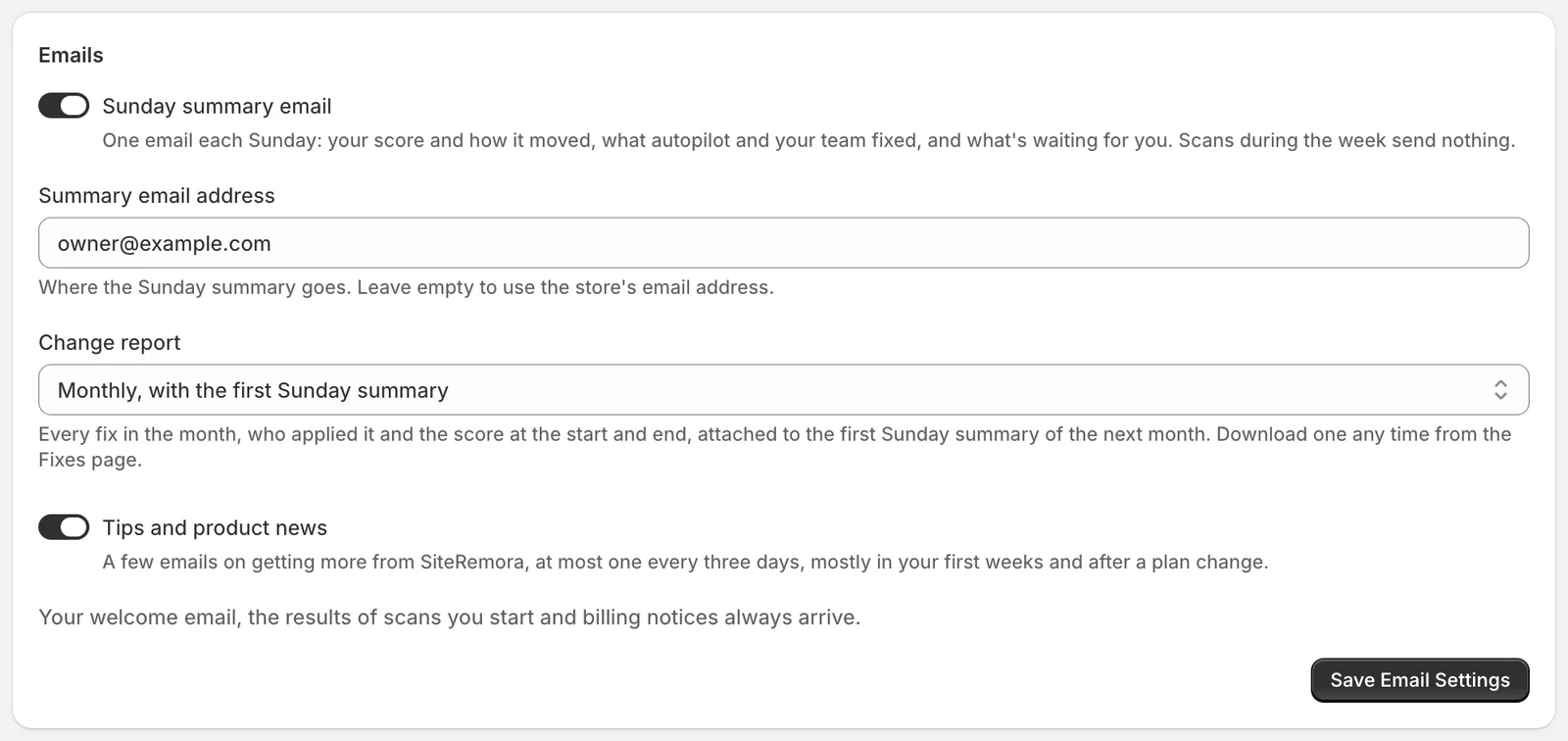
- Sunday summary email turns the summary on or off. Each summary also has a link to turn it off.
- Summary email address is where it goes. Leave it empty to use your store's email.
- Change report is Monthly, with the first Sunday summary, or Off.
- Tips and product news is a short series on getting more from SiteRemora, at most one every three days.
Click Save Email Settings when you're done.
Emails that always arrive
Your welcome email, the email after your first scan, and notices about your plan arrive whatever your settings.